3D Printed RC Car Parts: A Revolution in Customization (2026)

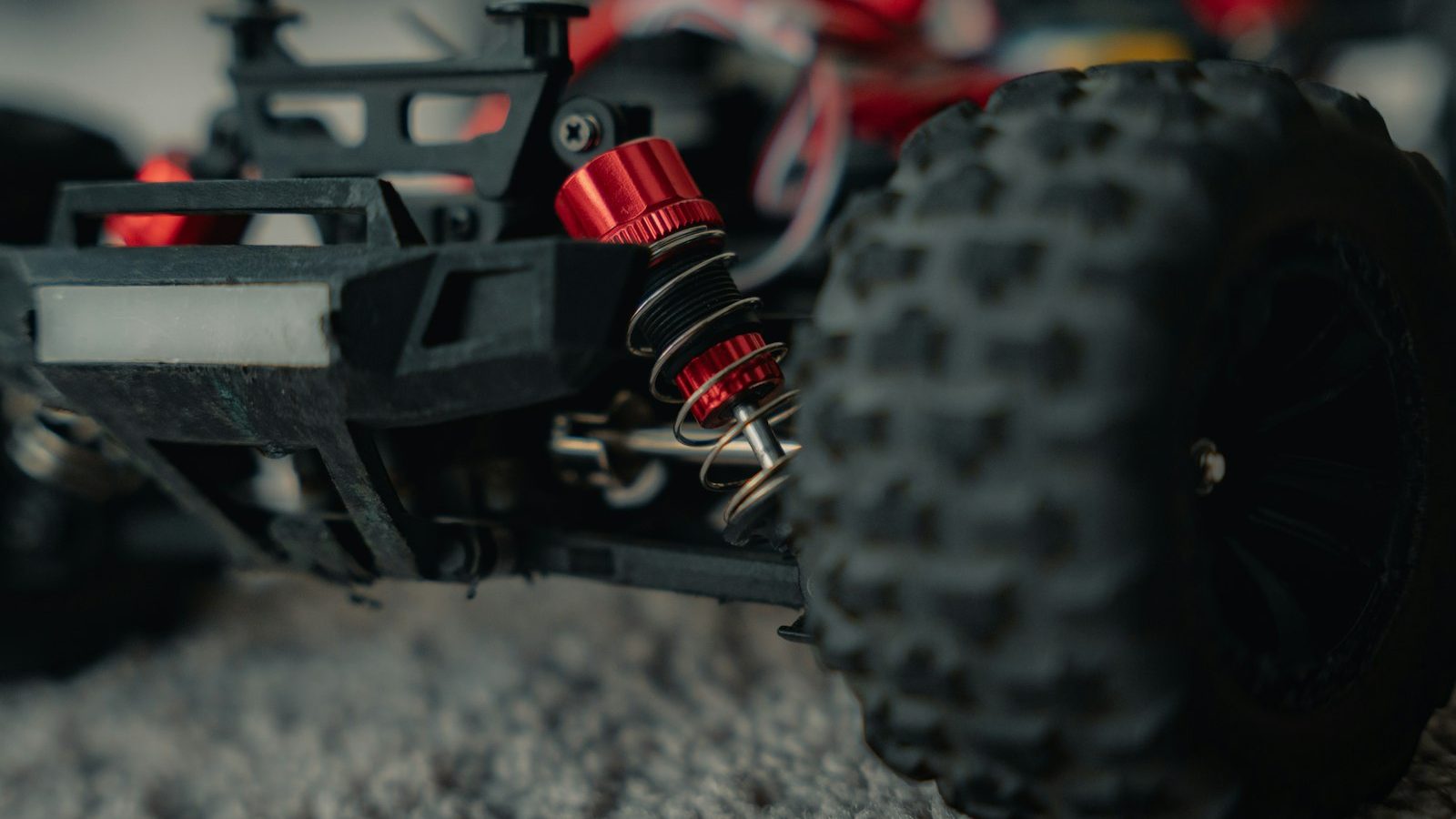
Photo: @ymoran via Unsplash
In this article
Affiliate disclosure: As an Amazon Associate, RemoteControlCarsBlog may earn from qualifying purchases.
Imagine printing a custom bumper, a fix for a discontinued part, or a one-of-a-kind body — right at home. 3D printing has changed RC forever. Here’s how to make it work for you.
Here’s the big idea: with a 3D printer See 3D printers on Amazon #ad and a spool of filament, you can make your own RC car parts at home. Broke a bumper? Print a new one. Want a part that doesn’t exist? Design it. Need a discontinued spare? Print it tonight. It’s genuinely changed the hobby.
And you don’t need to be an engineer. This guide breaks it all down in plain English: what you can (and can’t) print, which materials to use, what printer you actually need, and a simple step-by-step workflow. Whether you own a printer or not, you’ll see how to join the customization revolution. Let’s print. 🛠️
📋 What’s Inside (Table of Contents)
- What is 3D printing RC parts?
- Why it’s a customization revolution
- What you can print (and what to avoid)
- The materials guide (most important!)
- What printer do you need?
- How to print an RC part (step-by-step)
- No 3D printer? No problem
- Design & strength tips
- Common mistakes (and fixes)
- Pro tips
- Real-life examples
- FAQ
- Final thoughts
🖨️ What Is 3D Printing RC Parts?
3D printing builds a solid object layer by layer from a digital design. For RC, that means you can turn a computer file into a real, usable part — a bumper, a mount, a body, a skid plate — using melted plastic filament.
The most common type for RC is FDM printing, which melts and stacks plastic filament. It’s affordable, durable, and perfect for functional parts. There’s also resin printing, which uses liquid resin cured by light for ultra-fine detail — great for cosmetic and scale parts, but more brittle.
You either download a ready-made design from a huge online library or create your own in design software. Then your printer brings it to life on the build plate. That’s the whole magic: an idea on screen becomes a part in your hand.
3D printing turns “I wish this part existed” into “I’ll print one tonight.” That’s the revolution — you’re no longer limited to what’s on the shelf. 🛠️
🚀 Why It’s a Customization Revolution
Why are so many RC fans hooked on printing? Because it unlocks things you simply couldn’t do before.
- Make parts that don’t exist. Dreamed up a custom mount or a wild body? Design it and print it. You’re the manufacturer now.
- Revive discontinued parts. Got an older car with no spares available? Print the part instead of retiring the car.
- Save money. A spool of filament makes many parts for the cost of a few store-bought ones, and you skip shipping waits.
- Repair breaks fast. Snapped a bumper or shock tower? Reprint it that evening and you’re back running.
- Personalize everything. Add scale accessories, custom light buckets, camera mounts, and unique touches that make your ride yours.
- Tap into the community. Massive free libraries like Printables and Thingiverse are full of RC designs ready to download and print.
🧩 What You Can Print (and What to Avoid)
3D printing is amazing, but it’s not magic. The key idea is this: it excels at low-stress structural parts and cosmetic pieces, but high-stress drivetrain parts are better left to metal. Here’s the breakdown.
The sweet spot is parts that are annoying to source, overpriced to ship, or simply unavailable — bumpers, mounts, skid plates, shock towers, and custom bodies. With the right material, these print beautifully at home. High-stress, fast-spinning drivetrain parts are where printed plastic struggles, so keep those metal.
🧪 The Materials Guide (Most Important!)
This is the section that makes or breaks your prints. Pick the wrong material and a part can look perfect, fit perfectly, then shatter on its first crash. Pick the right one and it lasts for years. Here’s what to use for what.
The simple rule of thumb: PETG for almost everything, Nylon for parts that take serious stress, TPU for anything that needs to absorb impacts, and PLA only for display pieces that never take load or sit in the sun. Master those four and you’ve covered the vast majority of RC printing.
🖨️ What Printer Do You Need?
Good news: you don’t need an expensive machine to start. An affordable beginner FDM printer running PETG handles the large majority of RC printing needs. You can make bumpers, mounts, skid plates, and bodies on a budget setup. See beginner 3D printers on Amazon #ad
So when do you upgrade? Mainly for material versatility. A nicer enclosed printer (the kind that’s become hugely popular for its ease of use) makes it easier to print trickier, tougher materials like Nylon, ABS, and ASA reliably. But that’s about expanding what you can print well — not about whether you can print RC parts at all. Start affordable, upgrade when you hit a specific limit.
FDM vs. resin: stick with FDM (filament) for functional parts — it’s stronger and cheaper. Consider a resin printer only if you mainly want highly detailed cosmetic and scale parts, since resin is finer but more brittle.
🔧 How to Print an RC Part (Step-by-Step)
Here’s the simple workflow from idea to installed part.
- Find or design your part. Download a ready-made design from a free library like Printables or Thingiverse, or create your own in beginner-friendly design software (TinkerCAD is easy; Fusion and Onshape do more).
- Slice it. Open the file in slicer software (like Bambu Studio, Cura, or PrusaSlicer). Choose your material, layer height, infill (how solid the inside is), and supports. The slicer turns the model into instructions for your printer.
- Print it. Load your filament, send the file, and let the printer build it layer by layer. Small parts take minutes; big ones can take hours.
- Post-process. Remove any support material, trim stray bits, and sand rough spots if needed. Test-fit the part on your car.
- Install and test. Fit the part, then test it gently at first. If it needs tweaks, adjust the design or settings and reprint — iterating is half the fun.
🏭 No 3D Printer? No Problem
You don’t even need to own a printer to enjoy custom parts. There are easy ways to get prints made for you.
- Online printing services. Upload a design file to an on-demand 3D printing service, choose your material, and they print and ship the part to you.
- Local makerspaces & libraries. Many libraries and community makerspaces have 3D printers you can use for cheap (or free), often with helpful staff.
- A friend with a printer. The 3D printing community is generous. A local RC or maker group may happily print a part for you.
This is a great way to test the waters. Print a few parts through a service, see how much you love the customization, and then decide whether to buy your own printer.
💪 Design & Strength Tips
Want printed parts that survive real RC abuse? These tips make a huge difference.
- Mind the print orientation. Printed parts are weakest between layers. Orient the part so the main stress runs across the layers, not along the lines where they can split apart.
- Turn up the infill for strong parts. More infill (the inner fill) means a stronger, heavier part. Use higher infill for load-bearing pieces, lower for cosmetic ones.
- Match material to the job. Use the materials table above — PETG for general, Nylon for stress, TPU for impacts.
- Dry your filament. PETG, TPU, and especially Nylon absorb moisture, which weakens prints. Store spools dry and dry them before printing if needed.
- Use a hardened nozzle for carbon-fiber filaments. CF blends are abrasive and will wear out a standard nozzle, so switch to a hardened steel one.
A printed part is only as good as its material and orientation. Get those two right, and home-printed parts can take a beating that rivals store-bought ones. 🛠️
⚠️ Common Mistakes (and Easy Fixes)
Mistake 1: Printing functional parts in PLA.
It’s brittle and melts in the sun. Fix: Use PETG for functional parts and save PLA for display pieces.
Mistake 2: Trying to print high-stress gears.
Printed gears strip under power. Fix: Keep drivetrain gears metal; print the low-stress stuff.
Mistake 3: Ignoring print orientation.
Parts snap along the layer lines. Fix: Orient so stress runs across layers, not along them.
Mistake 4: Using wet filament.
Moisture makes weak, rough prints. Fix: Store filament dry and dry it before printing.
Mistake 5: Expecting perfection on attempt one.
First prints rarely fit perfectly. Fix: Treat it as iteration — tweak and reprint. That’s normal.
🔥 Pro Tips
- Start with proven designs. Print popular, well-reviewed files from the libraries before designing your own. You’ll learn what works.
- Keep a few filaments on hand. A roll each of PETG, TPU, and a tougher material covers almost any RC project.
- Print spares in advance. Print extras of parts that break often (like bumpers) so you’re never grounded.
- Learn basic CAD slowly. Even simple design skills let you create mounts and tweaks no store sells.
- Share and borrow designs. Upload your good designs and use others’ — the community makes everyone better.
💬 Real-Life Examples
❓ Frequently Asked Questions
What’s the best filament for RC car parts?
PETG is the best all-around choice — strong, easy to print, and weather-resistant — and it handles the large majority of RC parts. Use Nylon for high-stress parts like shock towers, TPU for impact absorbers like bumpers, and save PLA for cosmetic-only pieces.
Do I need an expensive 3D printer?
No. An affordable beginner FDM printer running PETG handles most RC printing needs, including bumpers, mounts, and bodies. You mainly upgrade to a nicer machine for easier printing of tougher materials like Nylon and ABS, not for basic RC parts.
Can I print RC gears and drivetrain parts?
Generally it’s best not to. High-stress, fast-spinning parts like main gears, differentials, and driveshafts wear out or strip when printed in plastic. Keep those metal, and use printing for low-stress structural and cosmetic parts where it shines.
Do I need to know how to design 3D models?
Not at all to start. Free libraries like Printables and Thingiverse have thousands of ready-made RC designs you can download and print. Learning basic design software later lets you create your own custom parts, but it’s optional.
Are 3D printed parts strong enough for bashing?
Many are, if you use the right material and print orientation. PETG and Nylon parts can take real abuse, and TPU bumpers absorb big hits. Orient parts so stress runs across the layers, use enough infill, and choose the right filament for the job.
Where can I find RC part designs?
Printables and Thingiverse are the two largest free libraries, with huge collections of RC bodies, mounts, bumpers, and accessories. Printables generally has strong quality control. You can also design your own or commission one from the community.
✅ Final Thoughts
Get started with 3D printed RC parts in five steps:
- ✅ Pick the right material — PETG for most, Nylon for stress, TPU for impacts.
- ✅ Print low-stress structural & cosmetic parts; keep drivetrain gears metal.
- ✅ Start with an affordable FDM printer (or use a service).
- ✅ Download proven designs from Printables or Thingiverse.
- ✅ Mind orientation, infill, and dry filament for strong parts.
Bottom line: 3D printing really is a revolution for RC customization. It lets you repair, personalize, and create parts that were once impossible — affordably and on your own terms. Start with PETG and a proven design, respect the material limits, and you’ll wonder how you ever did the hobby without it. Happy printing. 🛠️🚗
Level up your build with our guides on
RC upgrades,
RC tools,
RC bashers, and
the best RC cars.

admin
Our editors are RC drivers first: every guide is written by someone who has owned, broken and rebuilt the category they cover. No paid placements, no fabricated ratings.