Android-Controlled RC Cars: The Complete Guide

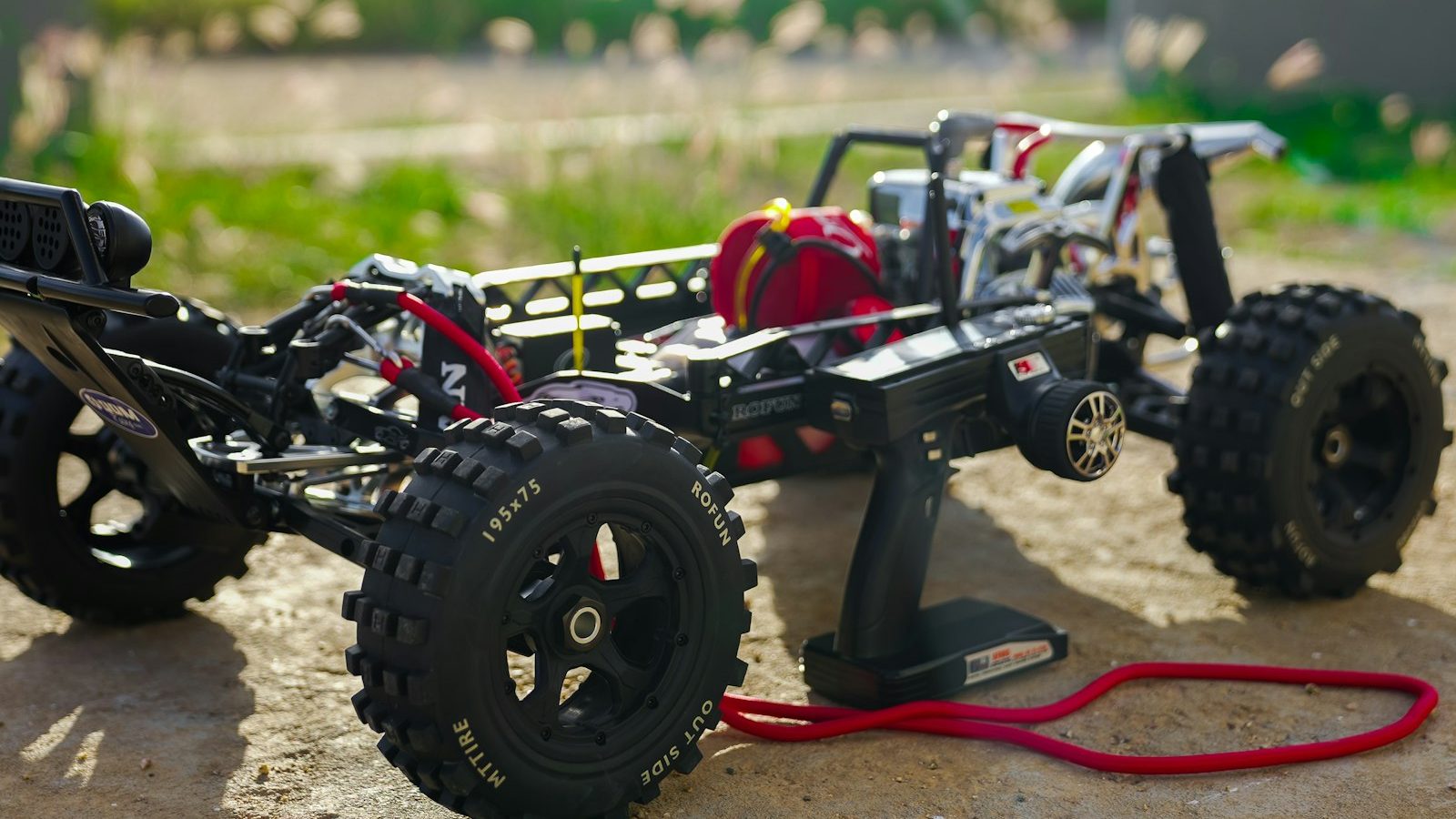
Photo: @brianjtromp via Unsplash
In this article
Affiliate disclosure: As an Amazon Associate, RemoteControlCarsBlog may earn from qualifying purchases.
Turn the phone in your pocket into a remote control — drive an RC car with taps, tilts, and even a live video feed. Here’s how Android-controlled RC cars work, how to buy one, and how to build your own.
What if your remote control was already in your pocket? That’s the idea behind an Android-controlled RC car See app-controlled RC cars on Amazon #ad. Your phone becomes the controller, sending commands wirelessly to the car — with on-screen buttons, tilt steering, or even a live camera view.
There are two ways into this: buy a ready-made app-controlled car, or build your own as a fun electronics project. This deep guide covers both — how the tech works, the connection types, what to look for when buying, a full DIY build walkthrough, and an honest look at how phone control compares to a traditional remote. Let’s connect. 📱
📋 What’s Inside (Table of Contents)
📱 What Is an Android-Controlled RC Car?
An Android-controlled RC car is one you drive using an app on your Android phone or tablet, instead of (or in addition to) a traditional handheld transmitter. The phone connects to the car wirelessly, and the app’s on-screen controls send your commands to the car in real time.
Because a phone is a powerful little computer with a screen, sensors, and a camera link, app control can do clever things a basic remote can’t: steer by tilting the phone, show a live first-person video feed from the car, record your drives, or even run pre-programmed moves. It turns driving into a more interactive, tech-forward experience.
There are two worlds here. The first is ready-made app-controlled cars you simply buy and pair with their app. The second is DIY — building (or converting) your own car controlled by your phone, which is a hugely popular electronics and robotics project. We’ll cover both in depth.
The appeal is simple: no extra controller to carry, plus a screen full of features. Your phone becomes a remote, a video monitor, and a programming tool all at once. 📱
⚙️ How Does It Work?
The core idea is straightforward. Your phone’s app sends control signals wirelessly to a receiver on the car. On the car, a small brain — a circuit board or microcontroller — reads those signals and tells the motors what to do: go forward, reverse, turn, or stop.
That wireless link is usually one of two technologies: Bluetooth or Wi-Fi. Bluetooth is simple and great for basic driving commands at short range. Wi-Fi can reach further and, crucially, can stream live video from a camera on the car to your phone for a first-person (FPV) view.
When you tap a button or tilt your phone, the app translates that into a command (like “forward” or “turn left”) and beams it to the car many times a second. The car’s controller acts on each command instantly, so the car moves as you direct. Add a camera, and you can drive by what the car “sees” rather than watching it from afar.
📡 Bluetooth vs. Wi-Fi
The connection type shapes what your car can do. Here’s how the two compare.
In short: choose Bluetooth if you want a simple, reliable connection for basic driving — it’s perfect for beginners and first DIY builds. Choose Wi-Fi if you want a live camera view (FPV) or more range, and you don’t mind a little extra setup and the chance of some lag.
🎮 App Control Methods
One of the fun parts of phone control is the variety of ways you can drive. Most apps offer some mix of these.
- On-screen buttons or a virtual joystick. The classic method — tap or drag controls on the screen for forward, reverse, and steering.
- Tilt (gravity) steering. Using the phone’s motion sensor, you steer by tilting the phone like a wheel. Intuitive and fun, if a little less precise.
- FPV camera view. On Wi-Fi cars with a camera, the app shows what the car sees, so you can drive from the car’s perspective even when it’s out of sight.
- Programmed moves & extras. Some apps let you record routes, run automatic patterns, toggle lights, or adjust speed — features a basic remote simply doesn’t have.
🛒 Path A: Buy a Ready-Made Car
The easy route is buying a car that’s built for app control. You charge it, install its Android app, pair, and drive. Many include fun extras like FPV cameras, LED lights, or stunt features. If you want a camera view, look specifically for a Wi-Fi FPV model. See Wi-Fi FPV RC cars on Amazon #ad
When choosing a ready-made app car, check these things:
- App quality & Android compatibility. Read recent app reviews and confirm it works with your Android version. A bad app ruins a good car.
- Bluetooth or Wi-Fi. Wi-Fi for FPV camera fun; Bluetooth for simple, reliable driving.
- Camera & features. If FPV matters to you, check the camera quality and whether the feed is smooth.
- Range & responsiveness. Look for reviews mentioning lag and how far it reaches before dropping.
- Battery life & build. Decent run time and a durable body keep the fun going.
A heads-up: most ready-made app-controlled cars are toy-grade and aimed at casual fun, and the app experience varies a lot between models. They’re great for novelty, FPV, and easy play — just set expectations and lean on reviews.
🔧 Path B: Build Your Own (DIY)
Here’s where it gets really rewarding. Building your own Android-controlled car is one of the most popular beginner electronics and robotics projects — affordable, deeply educational, and genuinely fun. You’ll learn how wireless control, motors, and code all fit together.
What you need
A great tip for beginners: a ready-made robot car chassis kit bundles the frame, motors, and wheels so you can focus on the electronics and code. See robot car kits on Amazon #ad
How to build it (step-by-step)
- Assemble the chassis. Mount the motors and wheels on the frame (a kit makes this quick).
- Wire the motor driver. Connect the motors to the L298N motor driver, and the driver to your microcontroller’s pins.
- Add the wireless link. Connect a Bluetooth module (like an HC-05) to the Arduino, or simply use an ESP32, which has Bluetooth and Wi-Fi built in.
- Power it. Wire the battery to power the microcontroller, driver, and motors as your guide specifies.
- Upload the code. Using the free Arduino IDE, upload a sketch that reads the phone’s commands and moves the motors accordingly (forward, back, left, right, stop).
- Get the app. Install a ready-made Android control app, pair it with your module, and drive. Many free apps exist, or you can design your own with beginner tools like MIT App Inventor.
- Test and upgrade. Drive it, then add upgrades — a camera (using an ESP32-CAM) for FPV, sensors for obstacle avoidance, or lights.
The beauty of the DIY route is that it grows with you. A basic Bluetooth car is a weekend project, but the same base becomes a platform for cameras, sensors, obstacle avoidance, and even self-driving experiments later on.
⚖️ Phone vs. a Real Transmitter
Time for the honest comparison. Phone control is convenient and feature-rich, but a traditional RC transmitter still wins for serious driving. Here’s the real picture so you choose wisely.
The takeaway: phone control shines for convenience, FPV, novelty, and learning, but the lack of physical sticks and the chance of lag mean it’s not ideal for fast, precise, or competitive driving. For racing and serious bashing, a real transmitter is still king. For fun, experimenting, and building, phone control is fantastic.
🎯 Best Uses
Where does Android control really make sense? These are its sweet spots.
- Casual, grab-and-go fun. No controller to find or charge — just your phone.
- FPV exploring. Driving by a live camera feed is a unique, immersive thrill.
- STEM & learning. Building one teaches electronics, motors, wireless tech, and coding — a fantastic project for students and curious makers.
- Robotics platforms. A DIY app-controlled car is the perfect base for adding sensors, automation, and even self-driving experiments.
- Novelty & gifts. The “control it with your phone” factor is a crowd-pleaser, especially for kids and tech fans.
Phone control isn’t trying to beat a race radio — it’s offering something different: convenience, a camera’s-eye view, and a doorway into building and coding your own robot. That’s its real magic. 📱
⚠️ Common Mistakes (and Easy Fixes)
Mistake 1: Expecting transmitter-level precision.
Phone control can lag and lacks physical sticks. Fix: Use it for fun and FPV, not racing.
Mistake 2: Ignoring app reviews when buying.
A bad app ruins a good car. Fix: Check recent Android app reviews and compatibility first.
Mistake 3: Starting a DIY build with Wi-Fi FPV.
It’s complex for a first project. Fix: Begin with simple Bluetooth, then add a camera later.
Mistake 4: Powering the brain straight from motor power.
It can cause resets and glitches. Fix: Follow your guide’s wiring for clean, separate power.
Mistake 5: Driving far out of Bluetooth range.
The car loses connection and stops. Fix: Stay close, or use Wi-Fi for more range.
🔥 Pro Tips
- Start with a proven DIY tutorial. Follow a well-documented Arduino + HC-05 build for your first car, then customize.
- Use the ESP32 for ambition. Its built-in Bluetooth and Wi-Fi make camera FPV and longer range much easier than bolting modules onto an Arduino.
- Keep the phone charged. Running an app, Wi-Fi, and a video feed drains a phone fast — top it up before a session.
- Reduce lag where you can. Drive away from crowded Wi-Fi, keep the car close, and lower video quality if the feed stutters.
- Build to learn. Treat a DIY car as a platform — add sensors and code to grow it into a smart robot over time.
🛡️ Safety
- ⚠️ Mind the lag. Because phone control can have a slight delay, drive in safe, open areas — never near traffic, people, or hazards where a delayed stop could cause harm.
- ⚠️ Handle batteries safely. Charge LiPo or lithium packs with the correct charger, never unattended, and store them properly. Follow your manuals.
- ⚠️ Wire DIY builds carefully. Double-check connections, avoid short circuits, and don’t overload components. Disconnect power when wiring.
- ⚠️ Supervise kids. Keep young builders safe around tools, soldering, and batteries, and bystanders clear of a moving car.
- ⚠️ Respect privacy with FPV. If your car has a camera, don’t record or intrude where people expect privacy.
💬 Real-Life Examples
❓ Frequently Asked Questions
How does an Android-controlled RC car work?
Your phone’s app sends control signals wirelessly — over Bluetooth or Wi-Fi — to a receiver or microcontroller on the car. That brain reads each command and tells the motors to go forward, reverse, turn, or stop. Wi-Fi models can also stream a live camera feed to your phone for FPV driving.
Is Bluetooth or Wi-Fi better for app-controlled cars?
Bluetooth is simpler, reliable, and great for basic driving at short range, making it ideal for beginners. Wi-Fi reaches further and can stream live video for FPV, but it’s more complex to set up and can have more lag, especially with video. Choose based on whether you want a camera feed.
Can I build my own Android-controlled RC car?
Yes, and it’s a popular beginner project. A simple build uses a car chassis with motors, a microcontroller like an Arduino or ESP32, an L298N motor driver, a Bluetooth module (or the ESP32’s built-in wireless), a battery, and a free Android control app. It’s affordable and teaches real electronics and coding.
Is phone control as good as a regular RC remote?
For convenience, FPV, and learning, phone control is great. But a traditional transmitter is more responsive and precise, has physical sticks, and reaches further, so it’s better for racing and serious driving. Phone control can have some lag and lacks tactile controls, making it best for casual fun.
Do I need to code to build one?
A little, but it’s beginner-friendly. You upload a ready-made or tutorial sketch to the microcontroller using the free Arduino IDE, and you can use an existing Android control app rather than writing your own. If you want to go further, simple tools like MIT App Inventor let you build a custom app without deep coding.
What’s the best microcontroller to use?
An Arduino with a Bluetooth module is the classic beginner choice and is very well documented. The ESP32 is a popular step up because it has Bluetooth and Wi-Fi built in, plus more power, which makes camera FPV and longer-range control much easier. Start with what matches your project goals.
✅ Final Thoughts
Get into Android-controlled RC in five steps:
- ✅ Decide: buy a ready-made app car, or build your own.
- ✅ Pick the link — Bluetooth for simple, Wi-Fi for FPV/range.
- ✅ Buying? Check the app reviews and Android compatibility.
- ✅ Building? Start with Arduino + Bluetooth, then add a camera.
- ✅ Enjoy it for fun, FPV & learning — use a transmitter for racing.
Bottom line: an Android-controlled RC car puts the remote right in your pocket and opens the door to FPV driving, tilt steering, and — best of all — building your own. It’s not the choice for competitive racing, but for convenience, novelty, and learning, it’s a brilliant slice of the hobby. Buy one for instant fun, or build one to learn how it all works. Either way, your phone is about to become a remote control. 📱🚗
More RC tech & know-how in our guides on
the best RC cars,
beginner RC cars,
RC upgrades, and
RC tools.

admin
Our editors are RC drivers first: every guide is written by someone who has owned, broken and rebuilt the category they cover. No paid placements, no fabricated ratings.