Buy an AI Autonomous RC Car Kit on Amazon: Best Picks & What to Know (2026)

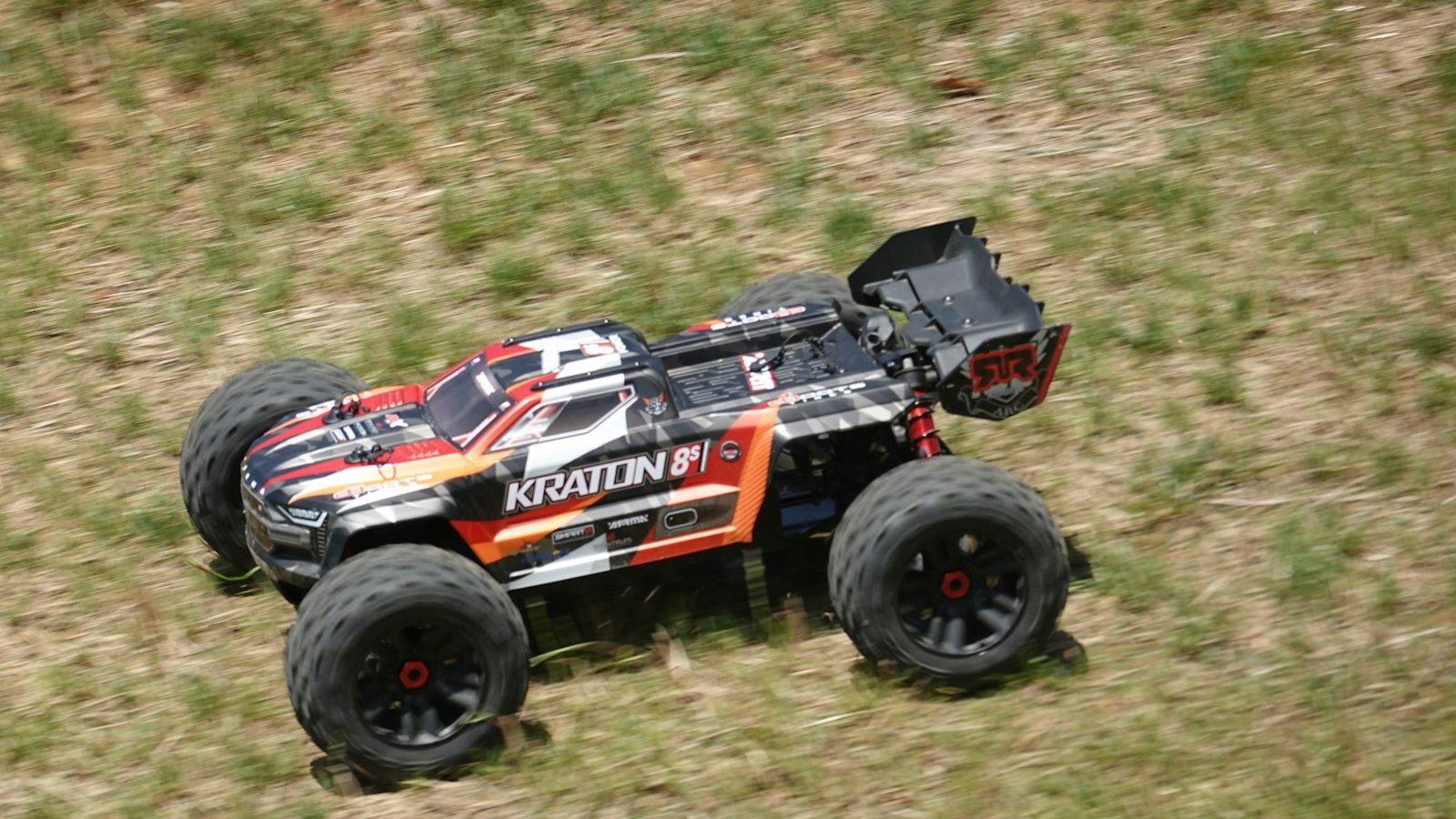
Photo: @marsha_reid via Unsplash
In this article
Affiliate disclosure: As an Amazon Associate, RemoteControlCarsBlog may earn from qualifying purchases.
Want a car that drives itself and teaches you real AI? These kits do exactly that — and they’re a click away. Here are the best ones, who each suits, and the one thing most buyers forget.
Here’s the point, right away. If you want a car that drives itself, an AI autonomous RC car kit See options on Amazon #ad is the easiest way to get one. You build it, add a tiny computer brain, and use free software to teach it to see, decide, and steer on its own. It’s part toy, part robot, and part real machine-learning course — and it’s a fantastic gift or self-learning project.
This guide cuts through the noise. You’ll get the best AI autonomous RC car kits you can actually buy on Amazon in 2026, who each one is for, and — most importantly — the things to check before you click buy (including the part most people forget and then leave a 1-star review about). Let’s find your kit. 🤖
📋 What’s Inside (Table of Contents)
- What is an AI autonomous RC car kit?
- What “AI autonomous” really means
- Before you buy: 5 things to check
- Best kits at a glance (comparison)
- The best AI autonomous RC car kits on Amazon
- Which kit for which buyer
- What you’ll also need
- After it arrives (step-by-step)
- Common buying mistakes (and fixes)
- Pro tips before you buy
- Real-life examples
- FAQ
- Final checklist before you buy
🤖 What Is an AI Autonomous RC Car Kit?
An AI autonomous RC car kit is a box of parts that builds into a small car that can drive itself. “AI” means it uses artificial intelligence to make decisions, and “autonomous” means it can do it without you holding a remote. Instead of you steering, the car uses a camera and sensors to look at the world, and a small onboard computer to decide where to go.
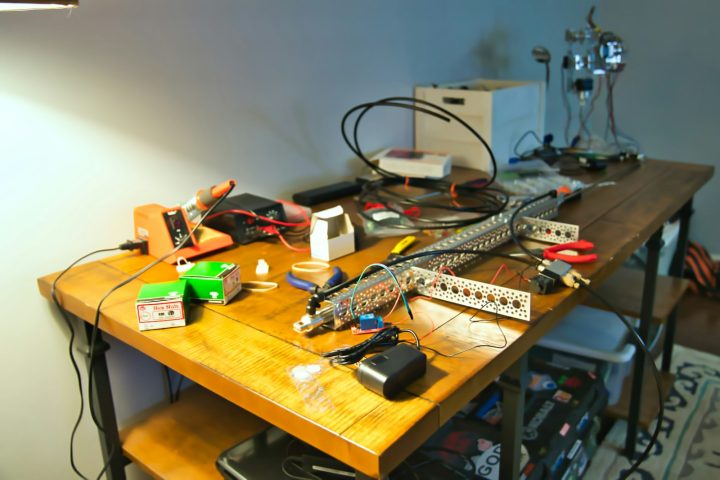
Most kits include the car body, motors, steering, a camera, sensors, and a control board — plus access to free software and online lessons. You add a tiny computer brain (usually a Raspberry Pi or an NVIDIA Jetson), assemble the car, install the software, and then teach it to drive. The result feels like magic: a car that follows a line, dodges obstacles, recognizes objects, or laps a track all on its own.
Why buy one instead of building from scratch? Because a kit removes the guesswork. Everything is designed to fit together, the wiring is simplified (or done for you), and the lessons walk you through each step. For most people, a kit is the difference between a finished, working robot car and a drawer full of mismatched parts. It’s also far cheaper and safer than experimenting with full-size autonomous tech.
These kits are popular with three groups: students and teachers who want a hands-on AI project, hobbyists and makers who love building robots, and parents looking for a gift that teaches real, future-proof skills. If that’s you, you’re in exactly the right place.
You’re not buying a toy that follows commands — you’re buying a robot you teach to think. That’s why these kits hook kids and adults alike. 🧠
🧠 What “AI Autonomous” Really Means (Set Your Expectations)
Here’s something most product pages won’t tell you: “AI autonomous” covers a wide range. Knowing where a kit sits on that range is the secret to buying the right one and avoiding disappointment. There are roughly three levels.
Level 1 — Smart sensor cars. These follow a line, avoid obstacles, or drive by app using simple sensors. They’re often Arduino-based and very affordable. The “AI” is light — more clever rules than true learning — but they’re a brilliant, low-cost first step that teaches electronics and coding basics.
Level 2 — AI vision cars. These add a camera and real computer vision. They can recognize objects, faces, colors, or traffic signs, track lines visually, and react to what they see. They usually run on a Raspberry Pi with Python, and they’re the sweet spot for most learners who want genuine AI without an expert-level setup.
Level 3 — Deep-learning racers. These are built to learn to drive a track on their own, often at speed, using neural networks. They run on more powerful hardware like an NVIDIA Jetson, work with platforms like DonkeyCar, and unlock proper self-driving and AI racing. They’re the most advanced — and the most thrilling once you’re ready.
✅ Before You Buy: 5 Things to Check
A few minutes of checking saves a lot of regret. Run through these five points on any listing before you add it to your cart.
- Is the computer included? This is the big one. Many kits do not include the Raspberry Pi or Jetson — you buy it separately. Check the title and description carefully so you’re not surprised when the box arrives.
- What’s the skill level? Look at the recommended age and whether it uses block coding, Python, or advanced tools. Match it honestly to who’s building it.
- What AI features does it actually have? Line-following and obstacle avoidance are common. Object recognition, self-driving, and voice features are more advanced. Buy for the features you’ll really use.
- How good are the lessons and community? Clear tutorials and an active community turn a hard project into a fun one. Brands known for good docs save you hours of frustration.
- What else do you need? Batteries, a microSD card, and sometimes a charger may be extra. Factor those in so your “finished” price is realistic.
📊 Best AI Autonomous RC Car Kits at a Glance
Short on time? Skim this, find your match, then read the full review below.
🏆 The Best AI Autonomous RC Car Kits on Amazon
1. SunFounder PiCar-X — Best Overall Beginner AI Car 🥇
What it is: The PiCar-X is an AI self-driving car kit built around a Raspberry Pi. It comes with a pan-tilt camera, an ultrasonic sensor, and a line-tracking module, and it’s one of the most beginner-friendly AI kits you can buy. You program it in Python or with easy Blockly blocks, and it ships with high-quality online lessons.
Why it works: It hits the AI sweet spot. Out of the box it can avoid obstacles, follow lines, track objects, and recognize faces, colors, traffic signs, and many everyday objects using trained vision models. Newer versions even add voice features and connect to AI assistants, so the car can see, listen, and respond. That breadth means it stays interesting for months as you unlock feature after feature.
Who it’s best for: students (10+), teachers, hobbyists, and anyone wanting a genuine but approachable first AI car. It’s the safe default pick. Check the PiCar-X on Amazon #ad
Watch-out: The Raspberry Pi is usually not included, so budget for one. You may also need batteries and a microSD card.
2. Waveshare JetRacer Pro — Best for AI Racing & Deep Learning 🚀
What it is: The JetRacer Pro is a high-speed AI racing car powered by an NVIDIA Jetson Nano. It’s built for deep learning and self-driving — it learns to drive a track on its own using a front camera and neural networks, and it’s compatible with the popular DonkeyCar platform.
Why it works: This is the closest you can get today to the famous “AI racing car” experience. The integrated board keeps wiring tidy, it includes a printable race-track map, and you can control or train it from a phone, a web page, or a gamepad. Watching it go from crashing to nailing clean laps after training is genuinely thrilling, and it teaches real reinforcement and deep learning.
Who it’s best for: teens, adults, and engineering students who want true self-driving and AI racing, not just sensor following. View JetRacer on Amazon #ad
Watch-out: Some versions are “accessory only” (no Jetson), while others bundle the Jetson Nano. Read the title carefully and pick the version that matches what you already own.
3. Hiwonder TurboPi — Best Budget AI Vision Car 💰
What it is: The TurboPi is a Raspberry Pi AI vision car at a friendlier price. It uses a camera for color sorting, line tracking, target recognition, and obstacle avoidance, and it’s programmed in Python on Linux.
Why it works: It delivers real camera-based AI features without the higher cost of a deep-learning racer. The mecanum-style wheels (on some versions) let it move in fun directions, and the vision tasks are perfect for learning how computers “see.” It’s a great middle ground for someone who wants genuine AI vision but isn’t ready to spend big. See the TurboPi on Amazon #ad
Who it’s best for: budget-minded learners and hobbyists who want AI vision on a Raspberry Pi.
Watch-out: Like the others, the Raspberry Pi is typically sold separately, and the software leans on Python, so it suits someone comfortable following code-based tutorials.
4. Yahboom AI ROS2 Car — Best for Advanced Builders 🎓
What it is: Yahboom’s AI Visual ROS2 car is an advanced kit built for a Raspberry Pi 5, often with lidar and a movable camera. It uses ROS2 — the same robotics framework used in serious research and industry — for autonomous driving and mapping.
Why it works: It bridges hobby and professional robotics. Lidar lets the car “feel” its surroundings in 3D, and ROS2 teaches the real tools used by robotics engineers. For a student heading toward a robotics career, that résumé value is huge — you’re learning the actual stack, not a toy version. View Yahboom AI cars on Amazon #ad
Who it’s best for: advanced teens, university students, and serious hobbyists who want lidar and ROS2.
Watch-out: This is the deep end — expect a steeper learning curve, a higher price, and a Raspberry Pi 5 bought separately.
5. ELEGOO Smart Robot Car — Cheapest Entry Point 🌱
What it is: The ELEGOO Smart Robot Car is an affordable, Arduino-based kit. It’s a “smart sensor” car that follows lines, avoids obstacles, and drives by app, with camera versions available for basic vision projects.
Why it works: It’s the gentlest, cheapest way to start. You wire it yourself, so you learn the electronics, and the tutorials are clear and beginner-friendly. While it’s lighter on true machine learning than the Pi and Jetson kits, it’s an excellent first robot that builds the confidence to move up later. See the ELEGOO kit on Amazon #ad
Who it’s best for: younger beginners, classrooms on a budget, and anyone testing the waters before investing more.
Watch-out: Set expectations — this is more “smart car” than full self-driving AI. It’s a stepping stone, and a great one.
🎯 Which Kit for Which Buyer
Still torn? Match the buyer to the kit with this quick reference.
If you genuinely can’t decide, the SunFounder PiCar-X is the pick that satisfies the most people. It’s beginner-friendly, packed with real AI features, and backed by strong lessons — so it grows with the learner instead of getting boring after a week.
🧰 What You’ll Also Need
This is where buyers get caught out, so let’s be clear. Most AI car kits are “car only” — the smart brain and a few extras come separately. Here’s the short list of what to add to your cart so your kit actually works on day one.
- The computer brain. A Raspberry Pi for most kits, or an NVIDIA Jetson for deep-learning racers. Check which (and which exact model) your kit needs. A Raspberry Pi kit on Amazon #ad is the common starting point.
- A microSD card. The brain’s storage for the operating system and your software. A fast 32GB or 64GB card is a safe bet.
- Batteries and a charger. Many kits use rechargeable lithium (18650) cells. Check whether they’re included and grab a proper charger if not.
- A computer for setup. You’ll use a laptop or desktop to flash the SD card and sometimes to train models.
- A simple track (optional). Tape on the floor or a printed track map gives the AI something clear to learn on.
🚦 After It Arrives (Step-by-Step)
Got your kit and your brain? Here’s the simple path from unboxing to a car that drives itself. Take it one step at a time and enjoy the small wins.
- Assemble the car. Follow the kit’s guide to build the chassis and mount the camera, sensors, and control board. Most modern kits are screw-together with clear pictures.
- Install the software. Flash the operating system onto the microSD card, then install the kit’s software using the official tutorial. It’s mostly copy-paste commands — no coding background needed.
- Calibrate. Set the steering and speed so the car responds correctly. This quick step prevents the car from veering or bolting.
- Try the built-in features. Start with line-following or obstacle avoidance. Early success here builds confidence fast.
- Drive and train (for self-driving kits). Drive the car around a track to collect data, then run the training step so it learns to drive on its own.
- Switch to autopilot and improve. Let it drive itself, then collect more data and retrain to make it smoother. That loop is the fun part.
⚠️ Common Buying Mistakes (and Easy Fixes)
Mistake 1: Not realizing the Pi isn’t included.
It’s the number-one surprise. Fix: Read the title and description, and buy the matching Raspberry Pi or Jetson at the same time.
Mistake 2: Buying the wrong level.
A deep-learning racer overwhelms a young child; a sensor car bores a coder. Fix: Use the three levels above and match to the person.
Mistake 3: Ignoring the software and community.
Great hardware with poor docs is a headache. Fix: Favor brands with clear tutorials and active forums (the kits above all qualify).
Mistake 4: Chasing a discontinued car.
The AWS DeepRacer device is no longer sold. Fix: Pick a current Jetson-based AI racing kit for the same learning experience.
Mistake 5: Forgetting the little extras.
No SD card or charger means no fun on arrival. Fix: Add the microSD card, batteries, and charger to your order up front.
🔥 Pro Tips Before You Buy
- Try the free simulator first. Platforms like DonkeyCar offer a free simulator so you can learn the whole drive-train-test loop before spending a cent.
- Pick a popular kit. A widely owned kit means more tutorials, videos, and people who’ve solved your exact problem.
- Buy the recommended Pi model. Some kits need a specific version. Matching it avoids fit and performance headaches.
- Start with the easy features. Nail line-following before chasing full self-driving. Quick wins keep motivation high.
- Plan a learning track. A consistent, well-lit track dramatically improves AI results, so plan where you’ll run it.
The best AI car kit is the one that arrives complete and matches the builder’s level. Get those two things right and the rest is pure fun. 🤖
💬 Real-Life Examples
❓ Frequently Asked Questions
Does an AI autonomous RC car kit include the Raspberry Pi?
Usually not. Most kits are sold as “car only,” and you buy the Raspberry Pi or Jetson separately. Always read the title and description, and check exactly which model is required so the parts match.
Do I need to know how to code?
For beginner kits, no — you can follow copy-paste tutorials, and some support easy block coding. You’ll pick up Python along the way. Advanced kits with ROS2 or deep learning expect more comfort with code, so match the kit to your skill.
What’s the best AI car kit for a complete beginner?
The SunFounder PiCar-X is the most popular all-rounder. It’s friendly, packed with real AI vision features, and backed by clear lessons. For the lowest cost, an ELEGOO Smart Robot Car is a great, simpler starting point.
Can I still buy an AWS DeepRacer?
No. The official DeepRacer device is no longer sold, and its managed service ended in December 2025. For the same hands-on AI racing experience, choose a current Jetson-based kit like the Waveshare JetRacer, which works with the open-source DonkeyCar platform.
Raspberry Pi or Jetson — which kit should I get?
Raspberry Pi kits (like the PiCar-X or TurboPi) are cheaper, easier, and perfect for AI vision and learning. Jetson kits (like the JetRacer) are more powerful and better for deep-learning self-driving and AI racing. Pick based on how advanced you want to go.
Are these kits safe for kids?
They’re low-speed indoor projects, so they’re very safe, but they have small parts and lithium batteries. Follow the age guidance (often 10+), supervise younger children, charge batteries with the right charger and never unattended, and follow each kit’s manual.
✅ Final Checklist Before You Buy
- ✅ Picked the right level (smart sensor, AI vision, or deep learning).
- ✅ Confirmed whether the Raspberry Pi or Jetson is included.
- ✅ Matched the kit to the builder’s age and skill.
- ✅ Checked the AI features you’ll actually use.
- ✅ Added the brain, microSD card, and batteries to your cart.
- ✅ Chose a kit with strong tutorials and an active community.
- ✅ Added up the real total cost before clicking buy.
Bottom line: buying an AI autonomous RC car kit on Amazon is one of the smartest, most fun ways to learn real artificial intelligence. Start with the SunFounder PiCar-X for an easy, feature-rich first car, step up to a Jetson-based JetRacer for self-driving and racing, or go budget with an ELEGOO smart car. Just remember to add the brain and the little extras — then build, train, and watch your car think for itself. 🤖
New to RC in general? See our guides on
beginner RC cars,
the best RC cars,
RC batteries, and our
RC tools picks.

admin
Our editors are RC drivers first: every guide is written by someone who has owned, broken and rebuilt the category they cover. No paid placements, no fabricated ratings.