How to Fix Remote Control Cars: The Complete Troubleshooting Guide

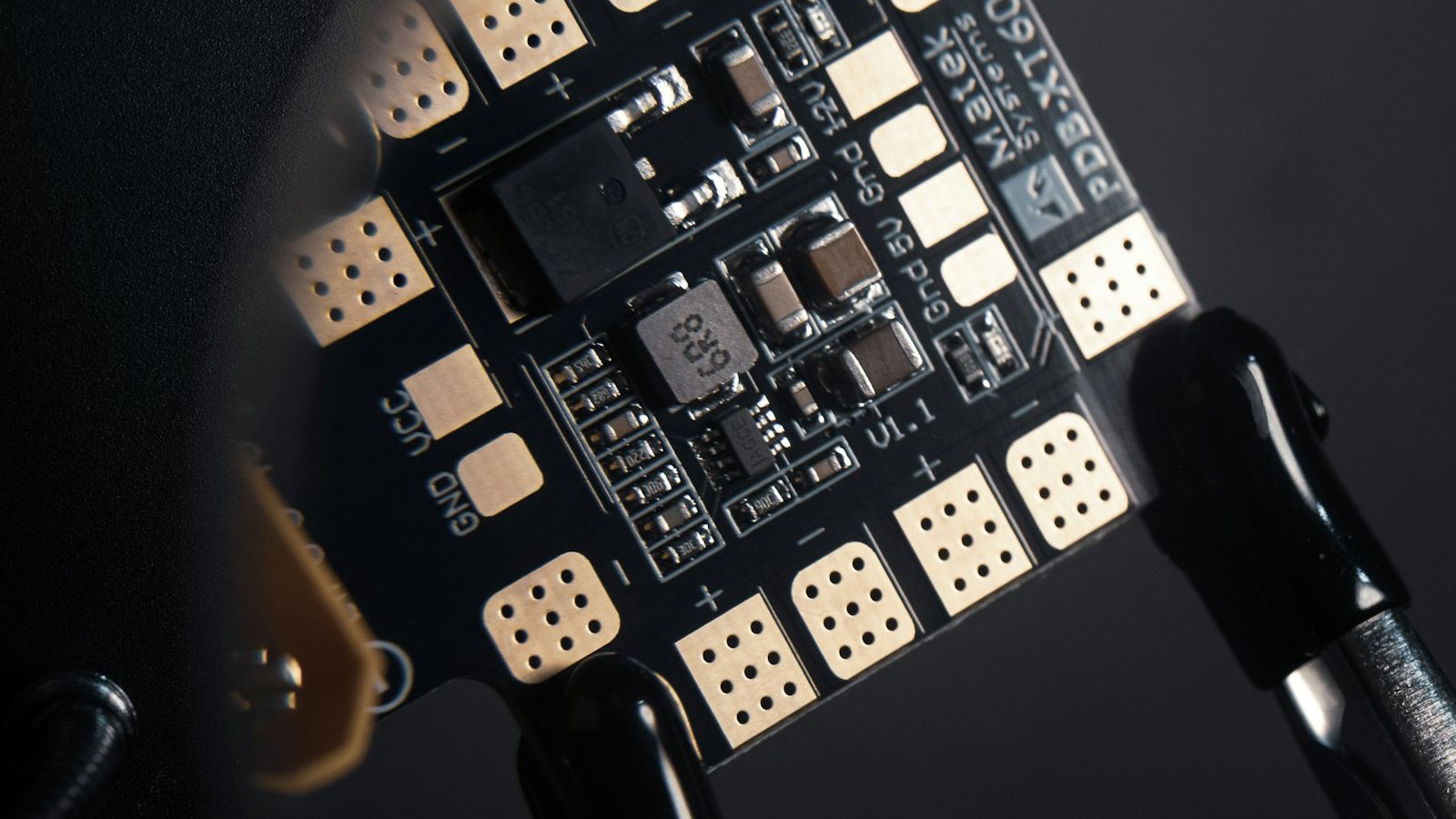
Photo: @asphotographypics via Unsplash
In this article
Affiliate disclosure: As an Amazon Associate, RemoteControlCarsBlog may earn from qualifying purchases.
An RC car that won’t turn on, won’t respond, or won’t drive isn’t necessarily broken for good — most problems are surprisingly easy to fix yourself. The secret is a simple, systematic approach, and this complete tutorial teaches you to diagnose and repair like a pro.
Before you give up on a troublesome RC car or rush to buy a new one, take heart: the vast majority of issues are simple and fixable at home. With a basic RC tool kit See RC tool kits on Amazon #ad and the systematic method in this guide, you can diagnose and fix most faults yourself.
We’ll start with the golden rule that solves most problems instantly, give you a master troubleshooting table, then walk through fixing every common issue step by step. Let’s get your car running again. 🔧
📋 What’s Inside (Table of Contents)
- Why most RC cars are fixable
- The golden rule: check the simple stuff first
- Your repair toolkit
- The systematic approach
- Master troubleshooting guide
- The tutorial: step by step
- Fixing “won’t turn on”
- Fixing “won’t respond”
- Fixing “won’t steer”
- Fixing “won’t drive / weak”
- Physical damage & spare parts
- Repair vs. replace
- Common mistakes & pro tips
- FAQ & final thoughts
🔧 Why Most RC Cars Are Fixable
Here’s the encouraging truth: an RC car is a collection of simple, separate parts — a battery, a radio link, a steering servo, a motor and speed controller, and a drivetrain. When something goes wrong, it’s almost always one of those parts, not the whole car, and most are easy and cheap to check, fix, or replace.
That means the skill of “fixing” an RC car is really the skill of figuring out which part is the problem — and that’s something anyone can learn with a logical approach. Once you understand how to narrow it down, you’ll fix the majority of issues in minutes, save money, and understand your car far better. Let’s start with the one rule that solves more problems than anything else.
Fixing an RC car is less about being a mechanic and more about being a detective. Follow the clues from the symptom to the cause, check the easy things first, and the culprit usually reveals itself quickly. 🔧
🥇 The Golden Rule: Check the Simple Stuff First
If you remember one thing from this guide, make it this: the large majority of RC car problems come down to the battery, a connection, or the radio link — not a serious fault. Before you ever pick up a screwdriver or start tearing things apart, check these simple things first. It saves enormous time and frustration.
Always check these first — they fix most issues:
- Batteries. Are the car’s battery and the transmitter’s batteries fully charged and good? This alone fixes a huge share of problems.
- Connections. Are the battery and wiring connectors fully seated and clean? Reseat anything loose.
- Power & bind. Is everything switched on, the transmitter on first, and the radio bound/paired?
- Obvious blockages. Is anything jammed in the wheels, gears, or steering? Clear debris.
Run through that checklist before anything else, every single time. You’ll be amazed how often the “broken” car just had a flat battery or a loose plug. Only when these are ruled out do you move on to deeper diagnosis.
🧰 Your Repair Toolkit
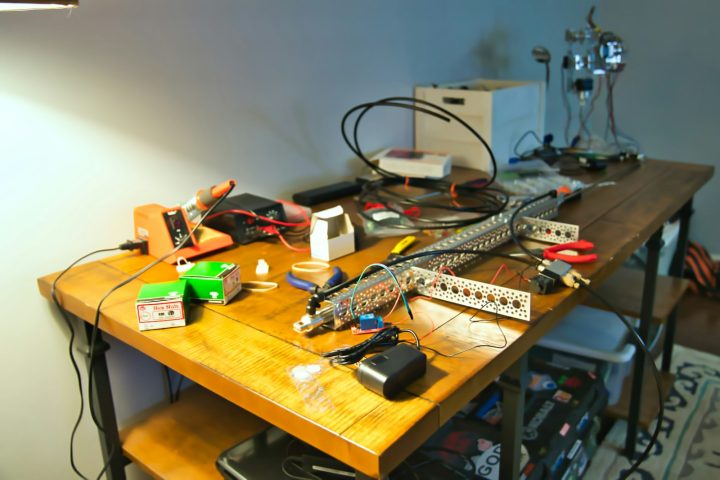
You don’t need everything at once — hex drivers, a multimeter, and a few spares cover most repairs. A soldering iron helps for wiring jobs once you’re more advanced. See RC spare parts on Amazon #ad
🔍 The Systematic Approach
The pro way to fix anything is to diagnose by symptom, working from the simplest, most likely cause to the more complex. Instead of randomly poking around, you identify exactly what the car is (or isn’t) doing, then follow that clue to the part responsible.
For example: does it not turn on at all? That points to power (battery/connections). Does it power up but not respond to the controller? That’s the radio link. Does it respond but not steer? That’s the steering servo or linkage. Does it steer but not drive? That’s the motor, speed controller, or drivetrain. By matching the symptom to the system, you zero in fast — and that’s exactly what the master table below does for you.
📊 Master Troubleshooting Guide
Keep this table handy — it covers the problems you’re most likely to hit. Find your symptom, check the likely cause, apply the fix. The detailed sections below expand on each. See RC batteries on Amazon #ad
🔧 The Tutorial: Step by Step
- Identify the exact symptom. Note precisely what the car does or doesn’t do — no power, no response, no steering, no drive, weak, or erratic.
- Check the simple stuff first. Batteries (car & transmitter), connections, power switches, bind, and any obvious jams.
- Check the radio link. Fresh transmitter batteries, re-bind the transmitter and receiver, and inspect the antenna.
- Check the steering. Make sure the servo moves, the linkage is connected and free, and the trim is centered.
- Check the drive system. Inspect the motor and ESC connections, and the gears and drivetrain for jams or stripping.
- Inspect for damage & wear. Look for broken parts, worn gears or tires, and damaged wires.
- Clean if needed. Clear out dirt and debris that can cause binding or poor connections.
- Fix one thing at a time. Make a single change, then test, so you know exactly what worked.
- Replace worn or broken parts. Swap in the correct spare parts for anything damaged.
- Test & confirm. Verify full, reliable operation before driving normally again.
Follow this order and you’ll diagnose almost any issue efficiently. The key discipline is testing after each change. See RC servos on Amazon #ad
🔋 Fixing “Won’t Turn On”
If the car shows no signs of life, it’s a power problem. Start with the battery: make sure it’s charged, in good health, and properly connected — a flat or loosely-plugged battery is the most common cause by far. Reseat the battery connector firmly and check the wires for damage.
Next, check the power switch is on and working, and look for any loose wiring between the battery and the electronics. If your car has a fuse, check it. A multimeter helps confirm whether the battery is actually delivering power. Nine times out of ten, “won’t turn on” is solved right here at the battery and connections.
📡 Fixing “Won’t Respond”
If the car powers on but ignores the controller, the issue is the radio link. First, put fresh batteries in the transmitter — weak transmitter batteries cause exactly this. Then make sure the transmitter and receiver are bound (paired); re-bind them following your car’s manual, especially on 2.4GHz systems.
Also check the antenna on both ends for damage, and always turn the transmitter on first, then the car. On older crystal systems, confirm both crystals match the same channel. If it still won’t respond after a good battery, a re-bind, and an antenna check, the receiver itself may be at fault and worth testing or replacing.
↔️ Fixing “Won’t Steer”
If the car drives but won’t turn, focus on the steering servo and its linkage. Check that the linkage between the servo and the front wheels is connected, intact, and moving freely — a popped-off or broken linkage is a common, easy fix. Make sure nothing is jammed in the steering.
Then check the servo itself: does it move and make an effort when you turn the wheel on the transmitter? If it’s silent, check its connection to the receiver; if it buzzes or strains, it may have stripped gears and need repair or replacement. Finally, confirm the steering trim is centered so the car tracks straight. A faulty servo is a straightforward part to swap. See RC motors on Amazon #ad
⚡ Fixing “Won’t Drive / Weak”
If the car steers but won’t move, or feels weak and slow, work through the drive system. First rule out a low battery (the usual culprit for weak running). Then check for binding — spin the wheels by hand to feel for anything jammed, and clear out dirt, grass, or debris wound around the axles or in the gears.
Next, inspect the drivetrain: a grinding noise or no drive often means stripped or damaged gears, which you can replace. Check the motor connections and condition, and the ESC — if only forward or reverse works, the ESC throttle may need re-setting per its instructions. A worn motor or battery that no longer performs can be upgraded for a new lease of life.
🔩 Physical Damage & Spare Parts
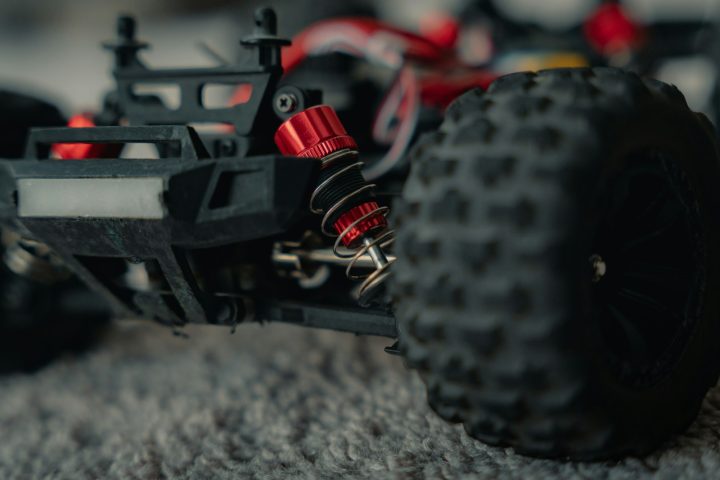
RC cars take knocks, and broken parts — suspension arms, body posts, gears, drive shafts — are a normal part of the hobby. The good news is that most are inexpensive, replaceable parts. Identify the broken piece using your car’s parts diagram, order the correct spare for your exact model, and swap it in.
It’s smart to keep a small stock of the parts that commonly break, like suspension arms and gears, so you’re never grounded waiting for a delivery. Using threadlock on metal screws during reassembly stops vibration from undoing your work. Treating breakages as routine maintenance, rather than disasters, keeps your car running for years. See RC spare parts on Amazon #ad
⚖️ Repair vs. Replace
In general, hobby-grade cars are designed to be repaired — parts are readily available and replacing them is expected. Very cheap toy-grade cars sometimes aren’t worth fixing for major faults, since parts may be unavailable. When repair costs approach the price of a new car, it’s worth weighing your options.
⚠️ Common Mistakes & Pro Tips
Mistake 1: Tearing it apart before checking the battery.
Wastes huge effort. Fix: Always check batteries, connections & bind first.
Mistake 2: Changing several things at once.
You can’t tell what helped. Fix: One change, then test.
Mistake 3: Forcing stuck parts.
Causes more damage. Fix: Find the cause of the jam instead of forcing.
Mistake 4: Buying the wrong spare parts.
Won’t fit. Fix: Match parts to your exact model using the manual.
Mistake 5: Skipping the manual.
It has the answers. Fix: Use your car’s diagrams and instructions.
- Always start at the battery. It’s the number-one cause of RC problems.
- Diagnose by symptom. Let what the car’s doing point you to the part.
- Keep common spares on hand. Arms and gears break — be ready.
- Test after every change. It’s how you learn what fixed it.
- Remove the battery before deep repairs. Work safely.
❓ FAQ & Final Thoughts
My RC car won’t turn on — what do I check first?
Start with power. Make sure the battery is fully charged, in good condition, and firmly connected, since a flat or loose battery is by far the most common cause. Reseat the battery connector, check the wiring for damage, confirm the power switch is on, and check any fuse your car has. A multimeter can verify the battery is delivering power. The vast majority of no-power problems are solved right here at the battery and connections.
Why won’t my RC car respond to the remote?
Usually it’s the radio link. Put fresh batteries in the transmitter, then make sure the transmitter and receiver are bound (paired), re-binding them per your car’s manual, especially on 2.4GHz systems. Check the antennas for damage and always turn the transmitter on before the car. On older crystal systems, confirm both crystals match the same channel. If it still won’t respond, the receiver may be faulty and worth testing or replacing.
My car steers but won’t drive — what’s wrong?
Work through the drive system. First rule out a low battery, then spin the wheels by hand to feel for binding and clear any debris in the axles or gears. A grinding noise or no drive often means stripped gears, which you can replace. Check the motor’s connections and condition, and the speed controller; if only forward or reverse works, the ESC throttle may need re-setting. A worn motor or battery can also simply be replaced.
Is it worth fixing an RC car myself?
Usually yes, especially for hobby-grade cars, which are designed to be repaired with readily available, affordable parts. Most problems are simple, like a battery, connection, or a single worn part, and fixing them yourself saves money and teaches you your car. Very cheap toy-grade cars with major faults can be the exception, since parts may be scarce. When repair costs approach a new car’s price, it’s worth weighing your options.
Why does my RC car feel weak or slow?
The most common cause is a low or worn battery, so charge it fully or try a fresh one first. Next, check for binding by spinning the wheels by hand and clearing any dirt or debris from the axles and gears. Worn gears or a tired motor can also reduce performance and may need replacing. Dragging brakes or incorrect setup can contribute too. Start with the battery, then work through binding and the drivetrain.
How do I know which spare part I need?
Use your car’s manual and parts diagram, which label every component for your exact model. Identify the broken or worn piece, find its part number or name, and order the correct spare for your specific car, since parts aren’t universal. Keeping the commonly-broken parts like suspension arms and gears in stock means you can fix breakages quickly. If unsure, the model number and a parts diagram make finding the right spare straightforward.
Fixing an RC car, in five points:
- 🥇 Check the simple stuff first — battery, connections, bind.
- 🔍 Diagnose by symptom, simplest cause to complex.
- 📊 Use the symptom → cause → fix table to zero in.
- 🔧 Fix one thing at a time and test after each.
- 🔩 Replace worn or broken parts with the right spares.
Bottom line: fixing remote control cars is far easier than it looks once you stop guessing and start diagnosing. Check the simple things first — battery, connections, and bind solve most issues — then follow the symptom to the system, fix one thing at a time, and replace worn or broken parts with the correct spares. With this systematic approach and a basic toolkit, you’ll keep your cars running for years and save a fortune. Now go bring that car back to life. 🔧🏁
More know-how in our guides on
how RC cars work,
fine-tuning servo speed,
RC car parts, and
RC car batteries.

admin
Our editors are RC drivers first: every guide is written by someone who has owned, broken and rebuilt the category they cover. No paid placements, no fabricated ratings.